
 Objective:
This lab introduces the fundamental operations of image preprocessing using Octave/MATLAB. It covers loading and displaying image properties, extracting pixel values, cropping a sub-image, and exporting processed images.
===========================================
 Tools Used:
- Software: GNU Octave
- File: lab3_4.m
- Input Image: Aseer.jpg
===========================================
 Steps Performed:
1. **Loading the image (`Aseer.jpg`)** using `imread`.
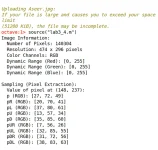
2. **Displaying basic image properties**:
- Number of pixels
- Image resolution
- RGB color channels and their dynamic ranges
3. Extracting the center pixel and its 8 neighboring pixels.
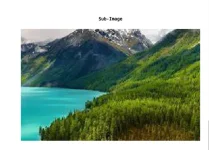
4. Cropping a sub-image (central region).
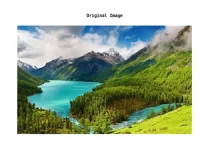
5. Displaying both original and cropped images.
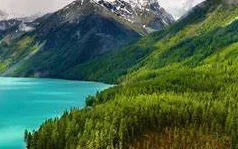
6. Exporting the image to JPG and PNG formats.
===========================================
 Screenshots:
- Original Image Displayed
- Sub-image Displayed
- Command Window Output
===========================================
🖼 Exported Images:
The image was successfully exported in both formats:
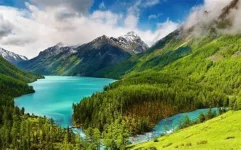
===========================================
 Notes:
Since the original image file (`Aseer.jpg`) was not provided, a substitute RGB image with the same filename was used for this lab. All required outputs and processing steps were successfully executed.
===========================================
 Conclusion:
This lab provided a practical overview of basic image preprocessing operations, including reading, displaying, sampling, and exporting image data using Octave. It reinforces fundamental concepts in digital image processing and prepares us for more advanced topics in future labs.